Primitives
Shape provides five solid primitives — box, cylinder, sphere, torus, and cone. All
are centered at the origin with their axis along +Z; position them with
transforms.
// Primitives are centered at the origin; the part transforms here sit each one// on the ground plane and spread them out for the camera.var scene = new Scene();scene.Add(new Part("box", Shape.Box(24, 18, 12), Palette.Steel, Matrix4d.CreateTranslation((-40, 0, 6))));scene.Add(new Part("cylinder", Shape.Cylinder(radius: 9, height: 20), Palette.Brass, Matrix4d.CreateTranslation((-13, 0, 10))));scene.Add(new Part("sphere", Shape.Sphere(radius: 10.5), Palette.Coral, Matrix4d.CreateTranslation((13, 0, 10.5))));scene.Add(new Part("torus", Shape.Torus(majorRadius: 10, minorRadius: 4), Palette.Teal, Matrix4d.CreateTranslation((40, 0, 4))));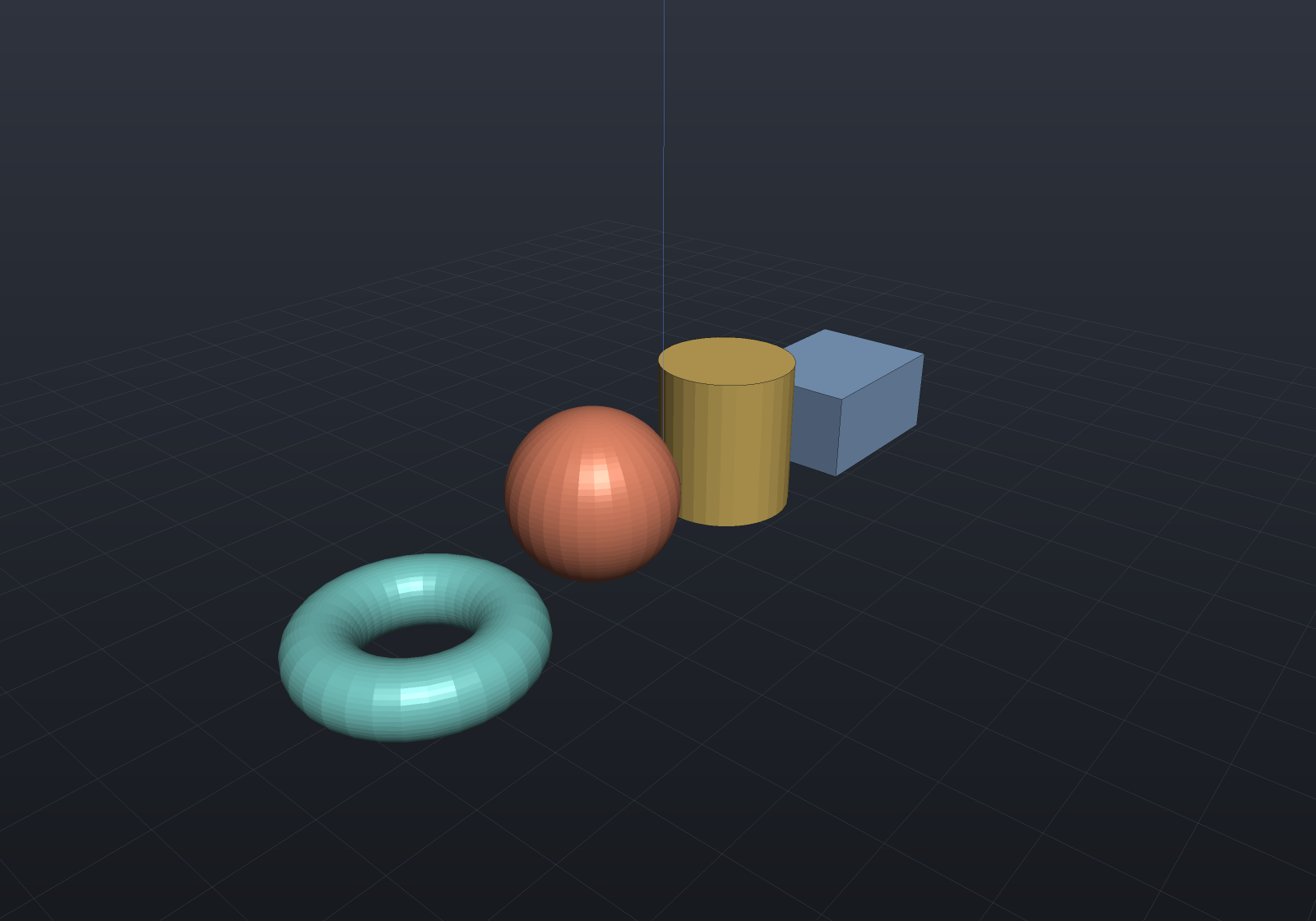
Every primitive is available in all three representations — ToBrep() produces
exact analytic surfaces (planes, cylinders, spheres, tori), ToImplicit() produces
exact signed distance fields, and ToMesh() tessellates. A Box(in Aabb) overload
builds a box from explicit bounds instead of a centered size.
Cone
Shape.Cone(bottomRadius, topRadius, height) is the cone frustum (OpenSCAD’s
cylinder(r1, r2)): the radius grows linearly from bottomRadius at z = −height/2
to topRadius at z = +height/2. Setting either radius to zero makes that end a
pointed apex:
var scene = new Scene();scene.Add(new Part("frustum", Shape.Cone(bottomRadius: 10, topRadius: 5, height: 14), Palette.Copper, Matrix4d.CreateTranslation((-16, 0, 7))));scene.Add(new Part("apex cone", Shape.Cone(8, 0, 18), Palette.Sage, Matrix4d.CreateTranslation((16, 0, 9))));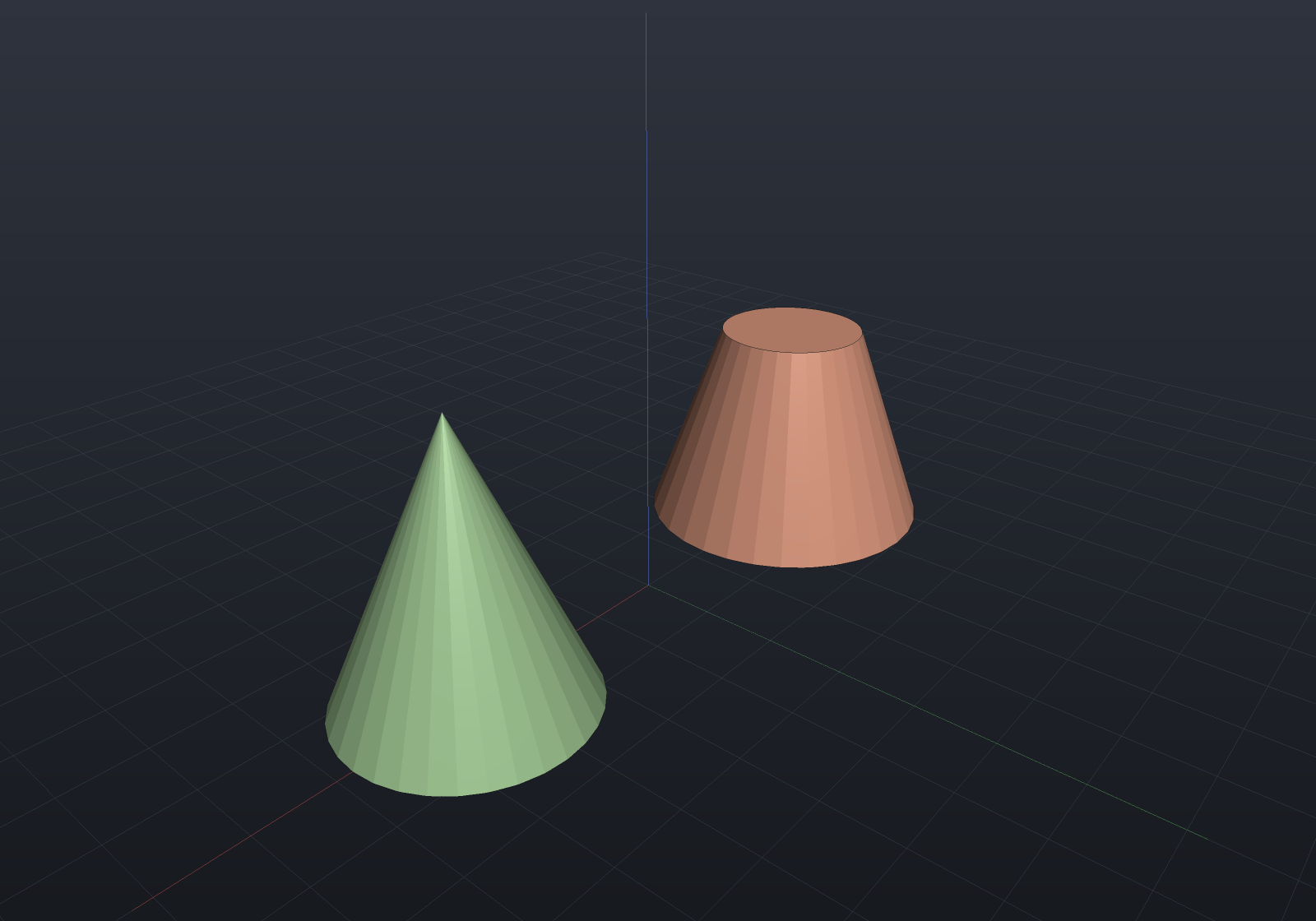
Cones are native in all three representations, like the other primitives.
Rigid transforms and uniform scaling keep every primitive exact; shearing a sphere,
torus, or cone has no analytic B-Rep surface and is rejected there (Explain names
the node) — see the support matrix.